
How to Link an Instagram Account to Meta Business Suite
Linking your Instagram account to Meta Business Suite lets your nonprofit manage Facebook and Instagram side by side — one inbox, one content calendar, and shared insights across both platforms. Unlike a Facebook Page, an Instagram account can’t be created from inside Meta Business Suite, so the process has two halves: first create the Instagram account, then connect it. This guide walks through both halves step by step.
Step 1
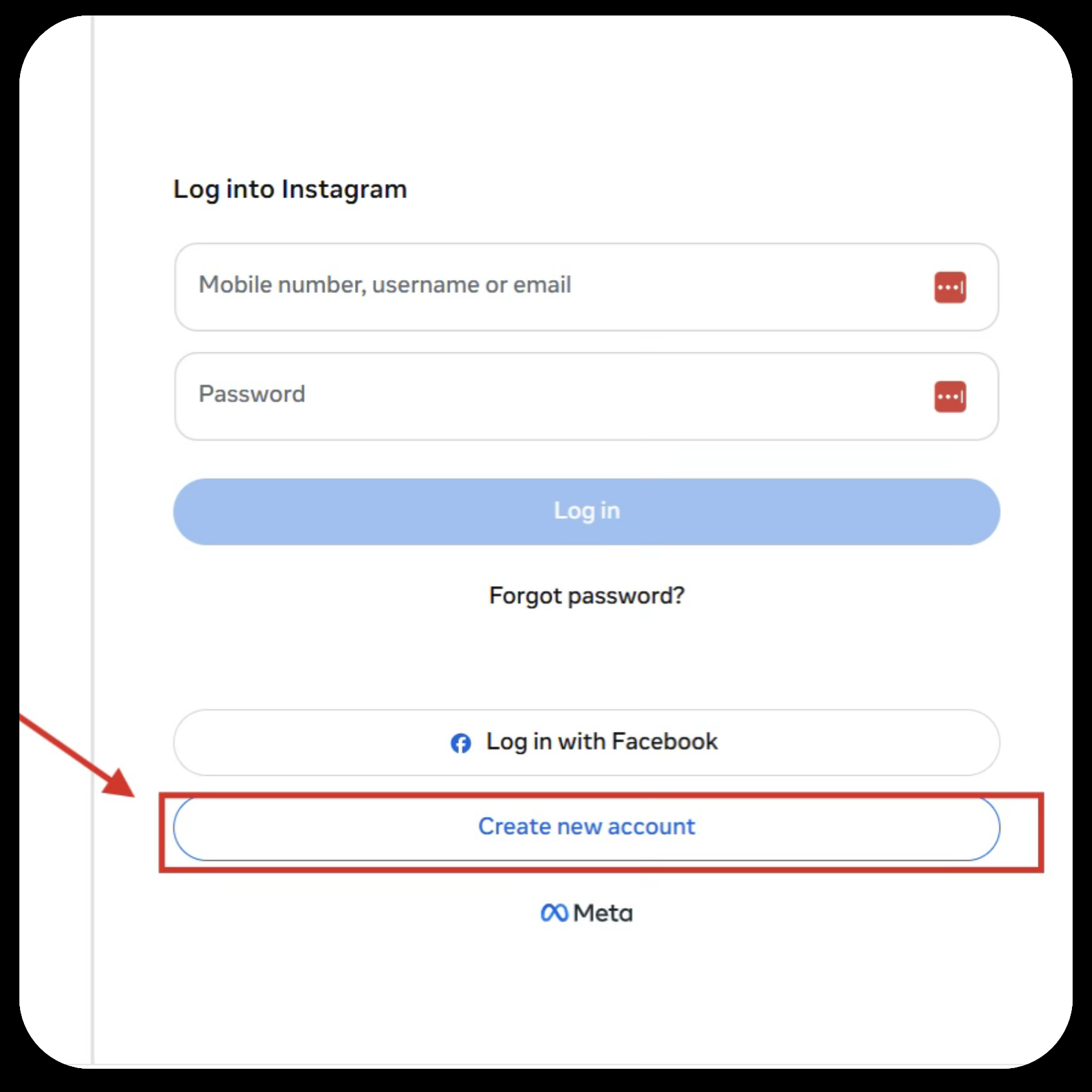
Unlike a Facebook Page, you are unable to create an Instagram account in the Meta Business Suite cabinet. Instead, you will need to create an account on Instagram and connect it to the Meta Business Suite cabinet.
Go to https://www.instagram.com/?hl=en and create an account.
Step 2
Once the account has been created, make it a professional account. To set up your professional account from the Instagram app:
- Tap Profile or your profile picture in the bottom right to go to your profile.
- Tap More to go to your Settings and Activity.
- Below For Professionals, tap Account Type and Tools.
- Select Switch to Professional Account.
- Select your category. You can choose a category that best describes what you do. Note: The category you choose does not determine whether you’ll set up a business or creator account.
- Tap Switch to a Professional Account.
- To set up a creator account, choose Creator. To set up a business account, choose Business.
- Tap Next.
Step 3
In order to connect your Instagram account to your Meta Business Suite Cabinet, log in to your Meta Business Suite.
Step 4
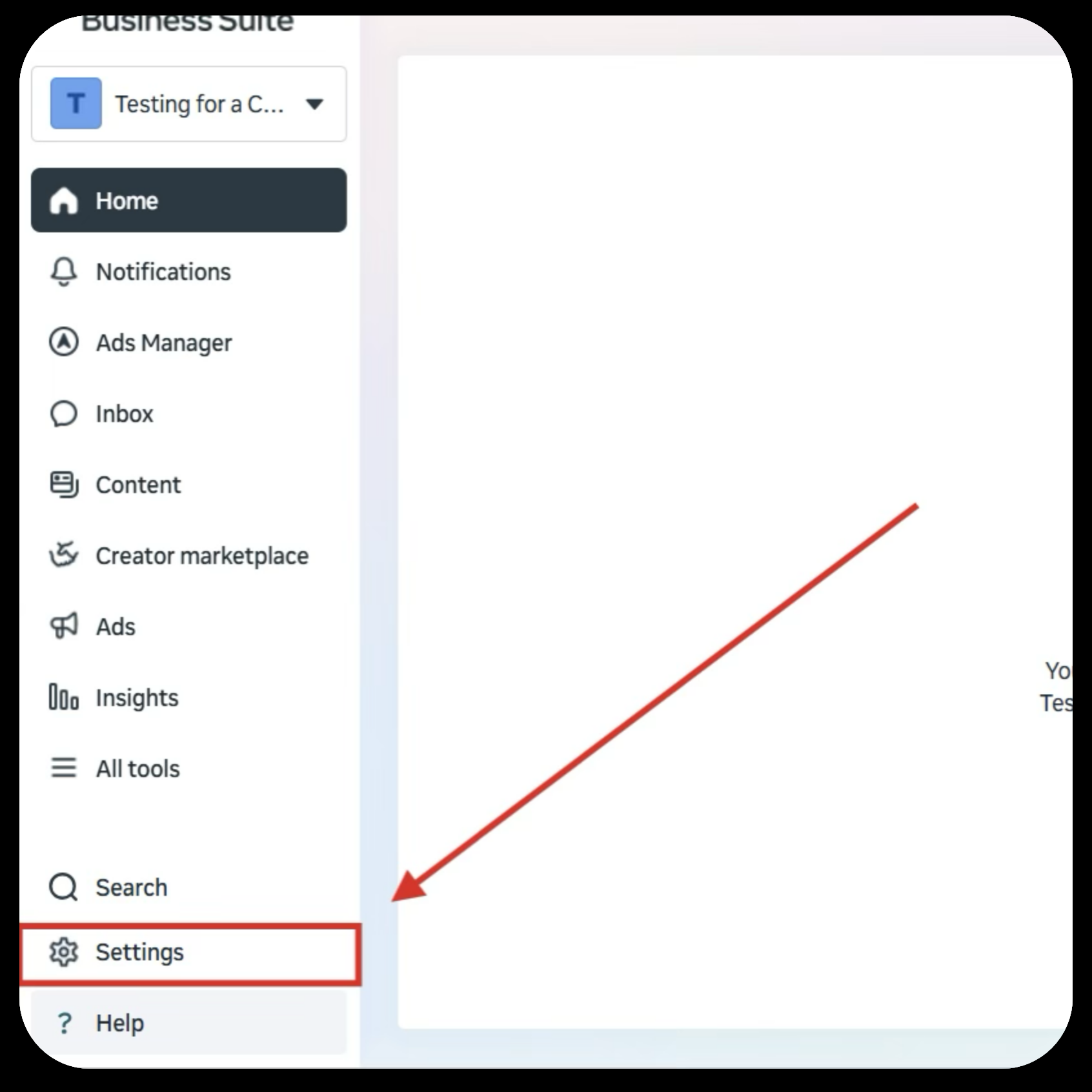
Once you have reached your Meta Business Suite, you will need to go to the Settings tab on the bottom left of the page.
Step 5
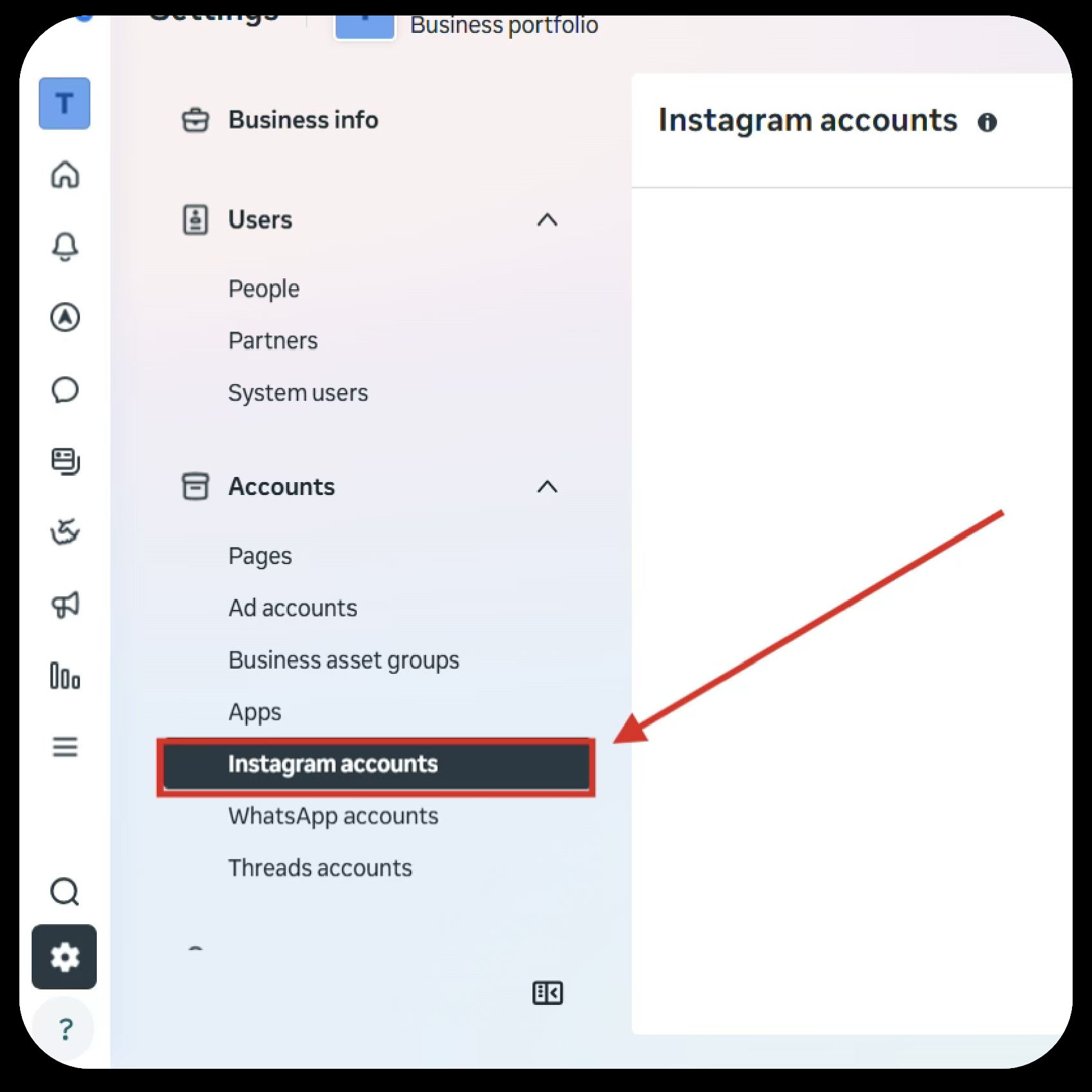
Once in the settings tab, you will need to navigate to the Instagram Accounts tab on the left side and click on it.
Step 6
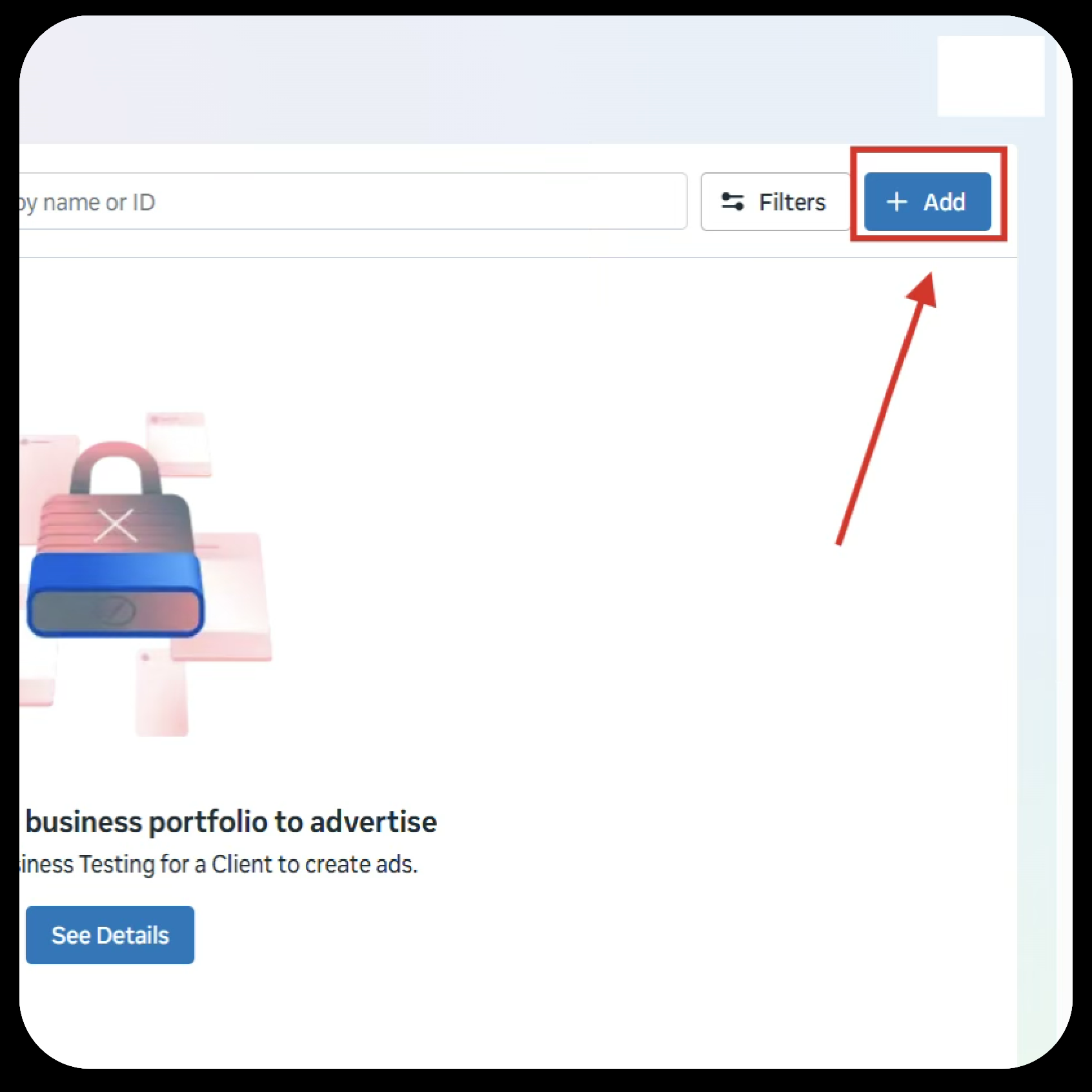
Click on the Add box on the top right.
Step 7
Connect your Instagram with the same email used to create the account.
Your Instagram account should be connected to your Meta Business Suite Cabinet.
We’re Here to Help You Manage Your Instagram and Meta Business Suite with Ease
The Nonprofit Success Team will be in touch if you have any questions. Please email nonprofit@projectworldimpact.com.